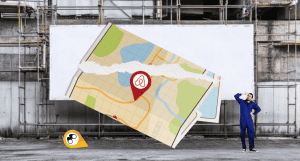
Hey! This used to be complicated, but now all you need to do is check a box “Hide my address” in the Add Listing form anytime you want the physical address to be hidden. The location is still shown on the map, along with a pin, and you can move it anywhere you think is best.

Author: Tripplanner Team
The Tripplanner.nz team, based in Matakana north of Auckland. We've written this one to get things started, and it stays here until a local can replace it. If you know this place better than we do, write your own version and we'll swap it in. Know somewhere we haven't covered yet? Add it yourself — it's free and goes up under your name.